

 Waka's Choice
A smart chalk mixing guide for climbers. Tokyo Powder Mixer analyzes your rock type, conditions, skin type, season, humidity, temperature and wind — then recommends the perfect blend from our lineup of chalks.
Free to use · your data stays on your device
Two modes
The Mixer works out the blend from your conditions. In the Lab you mix by hand, percent by percent.
Good to know: Tokyo Powder Mixer is a mixing guide, not a shop. It works out the ideal ratio from our existing single chalks and shows you how to mix it yourself — it doesn't sell or ship a custom blend. Buy the individual chalks in the official shop and mix them by hand.
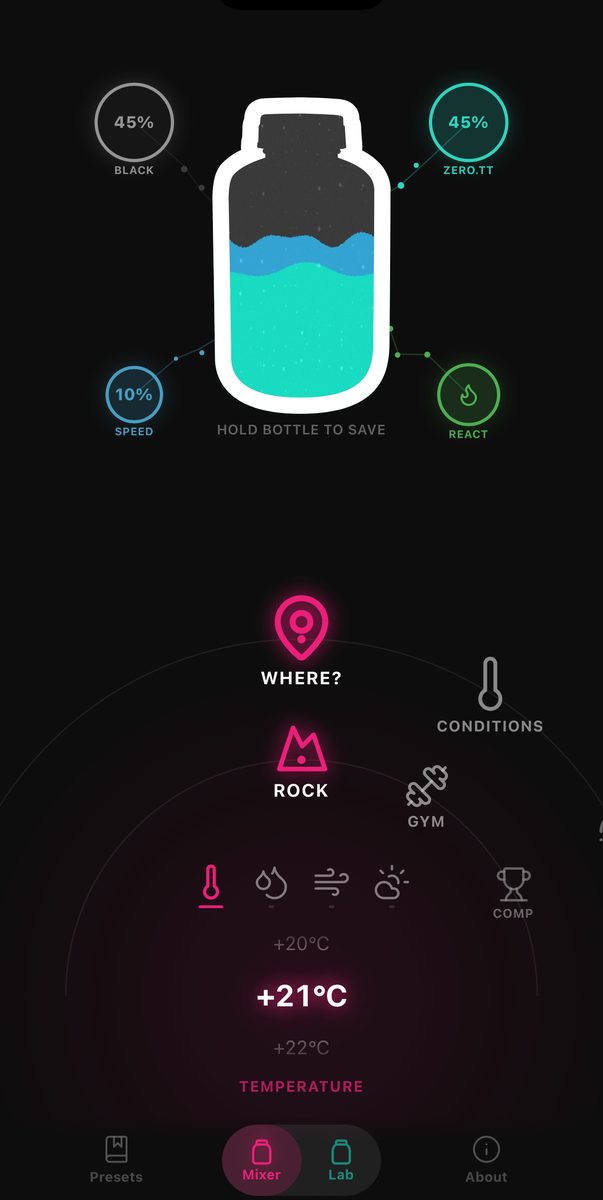
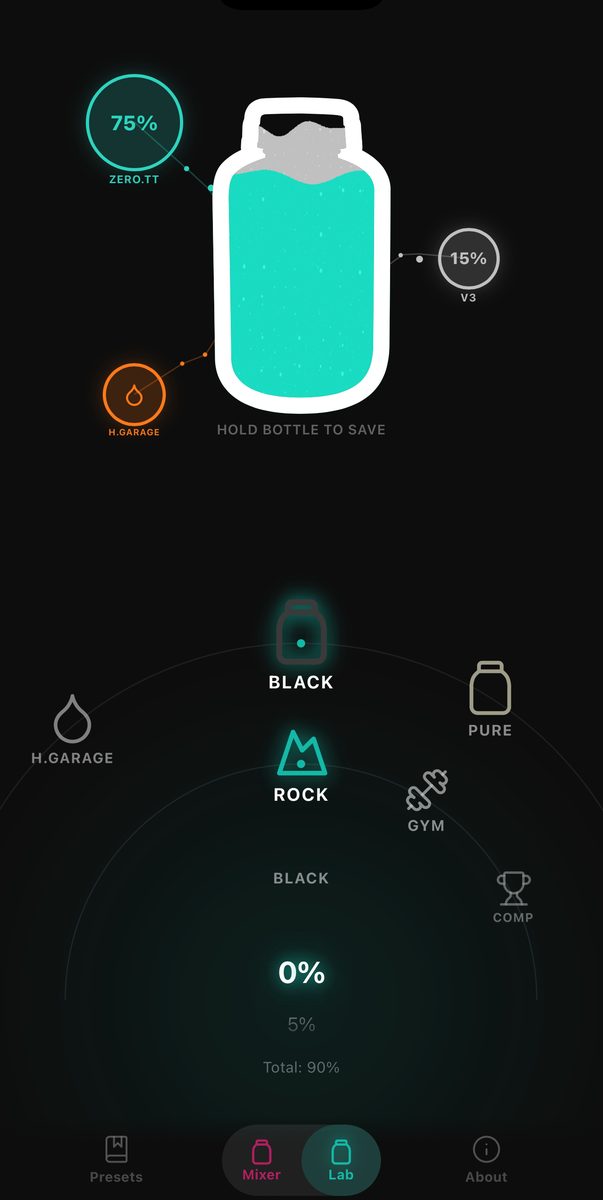 MixerLab
Automatic
Manual
Switch between Mixer and Lab with the toggle in the bottom bar.
Everything the mix depends on — set with the dual-ring wheel.
Depending on where: Rock — sunny / wet · Gym — normal / AC · Comp — indoor / outdoor.
Shifts the blend by up to 24 points between Black and V3. Normal changes nothing.
How it works
Rock, gym or comp. Sunny or wet. Dry or sweaty skin. The current season.
An instant, feel-based percentage blend from the Tokyo Powder lineup — plus additive suggestions.
Loved a mix? Save it under a project or route and pull it up again next session.
In the app
Two more screens round out the app.
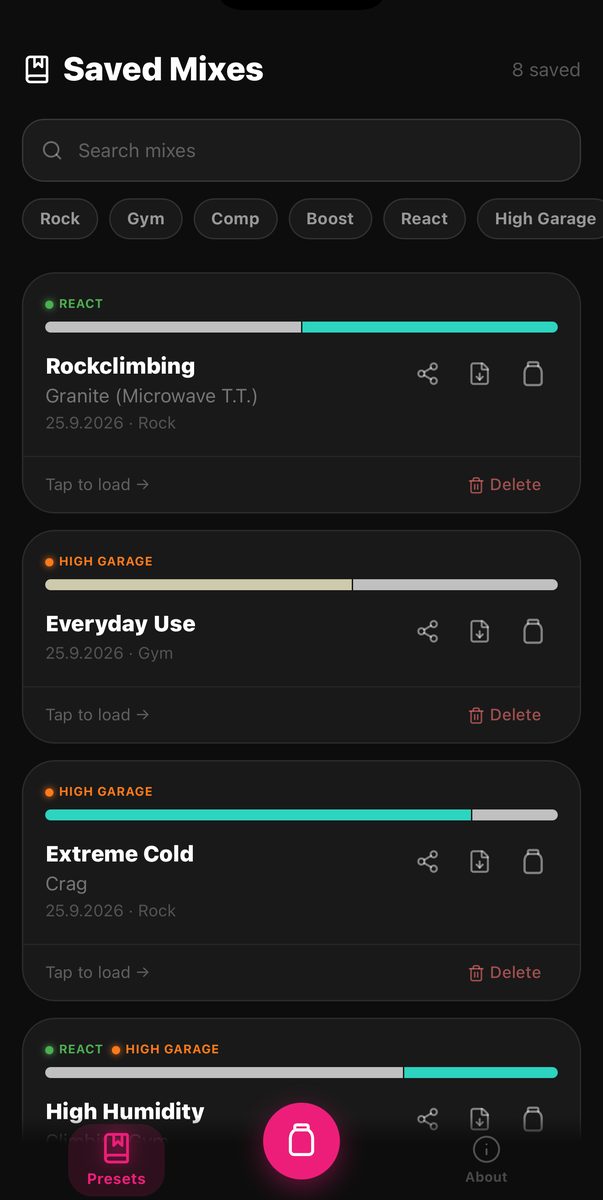
Hold the bottle to save a mix by name or project. Load it again, share it or export it as a file the next time you are on the same route or in the same gym.

The new Product Range view puts every chalk, aroma and additive on an interactive 3D turntable. Drag to spin a product and check its stats — Hand, Hold, Peak Performance, Stability, Adaptability, Longevity and more.
Presets
Presets we put together, as .tpp files. Each comes with a preview image in the style of the share images from the app.
FAQ
Yes. The app is free to use — no account and no subscription required to get a recommendation.
No — Tokyo Powder Mixer is not a shop. It calculates the ideal ratio from our existing single chalks for your conditions and shows you how to mix it yourself. You buy the individual chalks (e.g. in the official shop) and combine them by hand, following the blend the app shows you.
Recommendations are based on general guidelines and typical use cases, and individual results may vary. All data is stored locally on your device — nothing personal is sent to external servers. Only when you tap "Load weather" is your approximate location sent to our own weather service, which relays it to OpenWeatherMap to fetch conditions — no account or personal identifiers are involved.
Tokyo Powder Mixer is available now on the App Store for iOS and on Google Play for Android.
Download Tokyo Powder Mixer from the App Store (iOS) or Google Play (Android). For updates, check back here or follow the official Tokyo Powder channels.
A .tpp file is a single saved mix — the same file the app creates when you export a mix. Open it on your phone with Tokyo Powder and it lands in your Saved Mixes.
Get the app
Tokyo Powder Mixer is available on the App Store and Google Play.


